
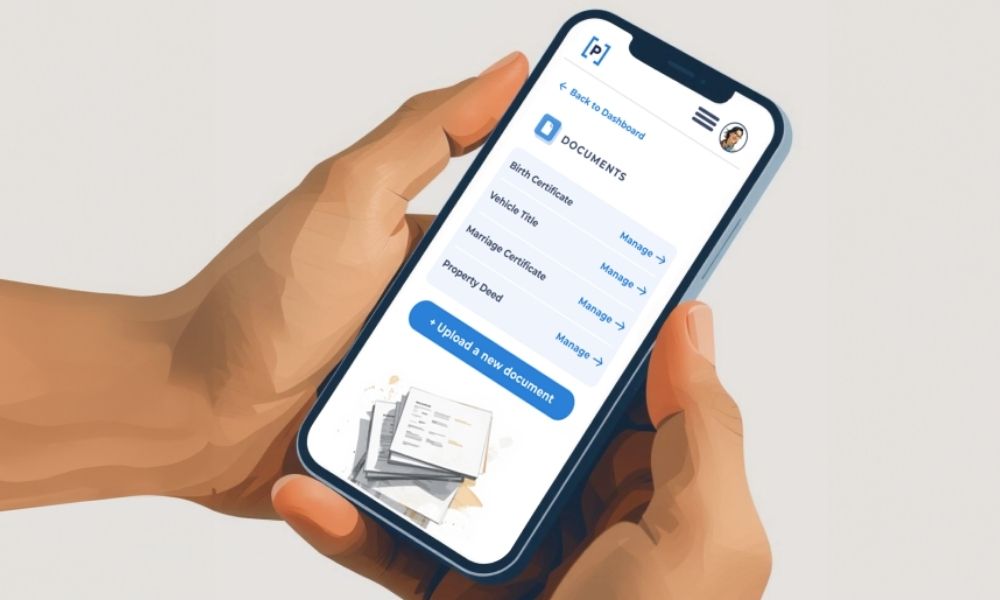
Getting documents uploaded doesn’t require special equipment or technical know-how. You can scan with tools already built into your phone, use a simple app, or rely on a scanner if that feels more comfortable.
The goal isn’t perfection. It’s making sure the information your loved ones may need one day is clear and readable.
Think account numbers, policy details, names, dates, and coverage amounts. If those are visible, you’re doing it right.
Option 1: Scan Documents Using an iPhone
If you have an iPhone, you already have a built-in scanner. There are a few ways to scan documents on an iPhone but we think using the Files app is easiest.
Using the files app:
- Open the Files app
- Tap the three dots in the top right-hand corner.
- Select Scan Documents
- Point your camera at the document and let it capture automatically
- Adjust the edges or crop if needed. Be sure to give your file a name then save.
Once saved, the file lives right in Files, which makes uploading simple.
You can:
- Sign into Paige through your phone’s browser and upload directly from Files
- Or email the file to yourself and upload later from your computer
Both work equally well. Choose whatever feels easiest at the moment.
Option 2: Scan Documents Using an Android Phone
Android users can scan documents using Google Drive, which comes standard on most devices. If you don’t already have it, its free to download.
Here’s the simplest method:
- Open the Google Drive app
- Tap the +(plus) icon
- Select Scan (camera icon)
- Point your camera at the document and take the photo
- Adjust the crop, clean up edges, and choose color or grayscale
- Save the file as a PDF or JPG to your Drive, and be sure to give it a name that will make it easy to find later.
From there, you can upload directly to Paige through your mobile browser, or email the file to yourself if you prefer working on a computer.
Option 3: Use a Scanner
If you already have a scanner, or like the idea of using one, that works too of course.
Many people find that buying a basic scanner feels like a worthwhile investment in an ongoing organizing project. It can make scanning larger stacks of paper faster and feel more familiar, especially if you’re already used to working on a computer.
Scan your documents according to the instructions given by your particular scanner, save them as PDFs, give them names that will help you organize them, and upload them to Paige when you’re ready.